A good story, already in your footage
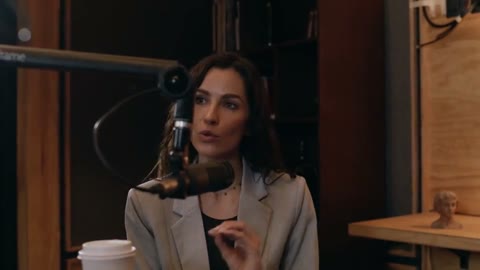
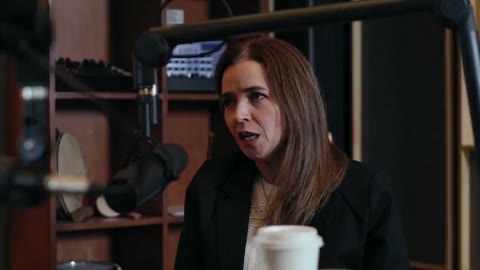
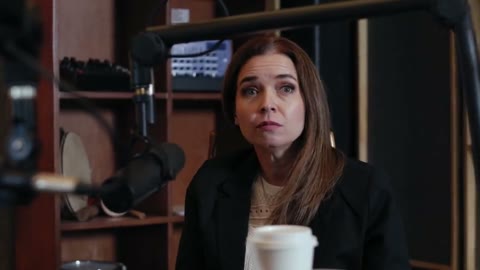
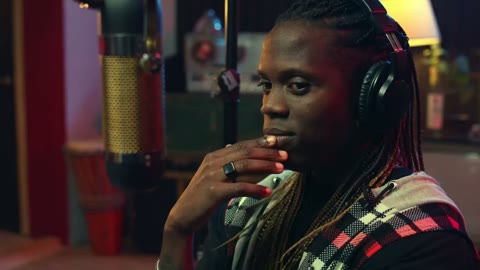
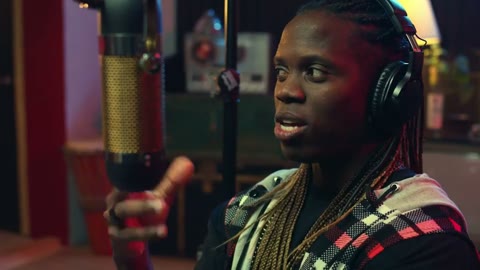
AI finds self-contained moments in your recordings and scores their hooks, value, and shareability. You choose what makes the cut.
00:02
00:02
00:02
00:02
00:02
00:02ClipBee finds the moments worth posting in your videos, VODs, and uploads, then reframes them to 9:16 with word-synced captions, ready to download.
AI finds self-contained moments in your recordings and scores their hooks, value, and shareability. You choose what makes the cut.
00:02
00:02
00:02
00:02
00:02
00:02AI finds self-contained moments in your recordings and scores their hooks, value, and shareability. You choose what makes the cut.
Everything between the raw recording and a clip worth posting is handled for you, and still yours to tweak.
Find a moment worth sharing
AI finds self-contained moments in your recordings and scores their hooks, value, and shareability. You choose what makes the cut.
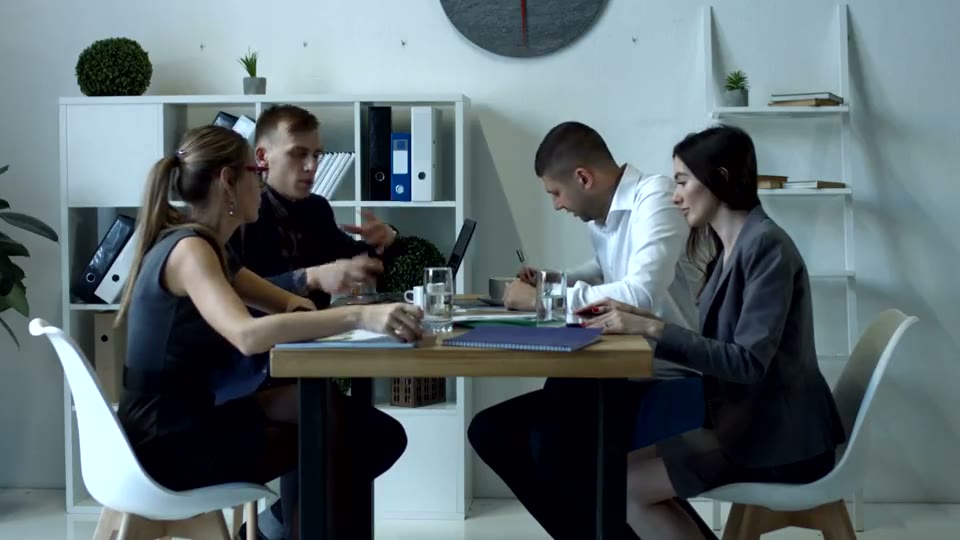
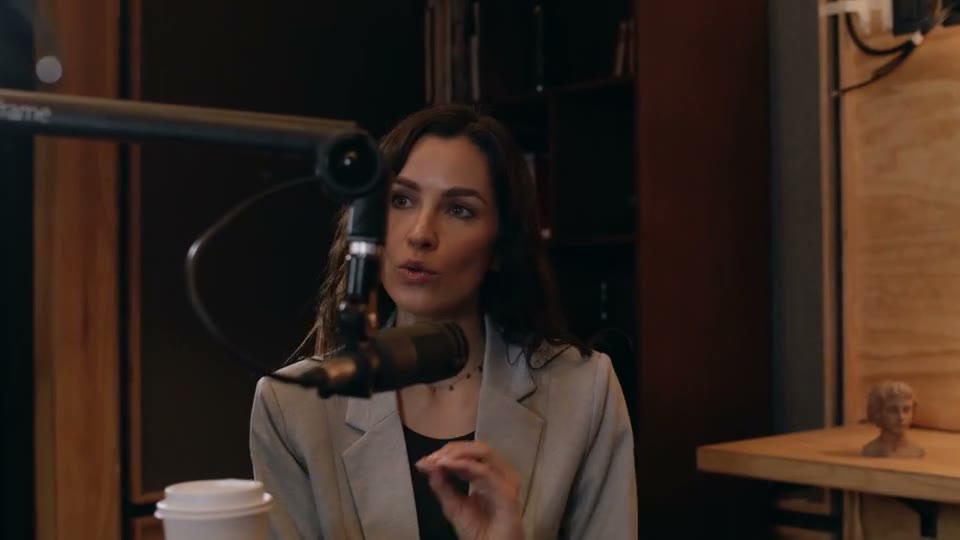
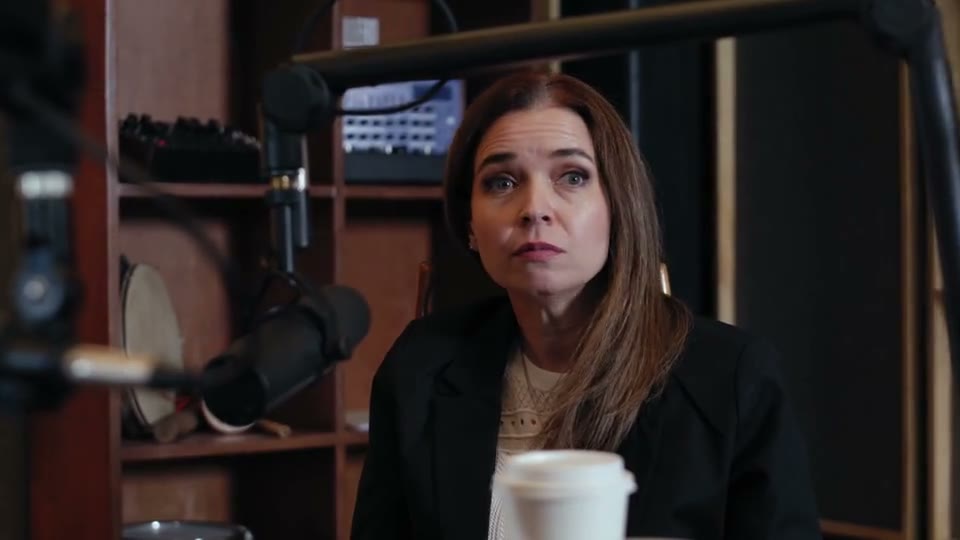
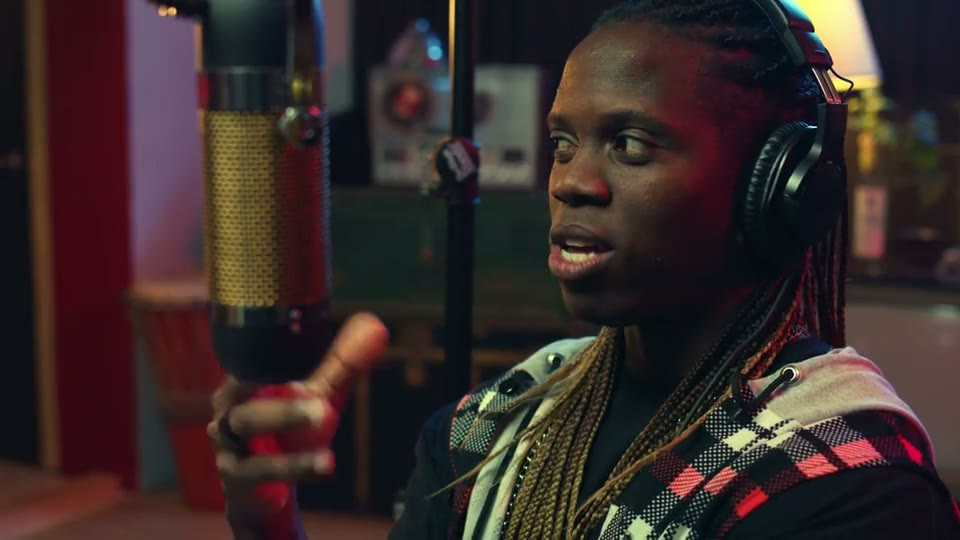
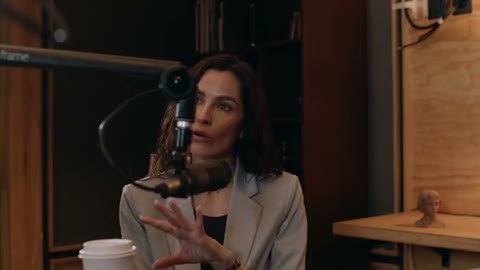
See how it worksFaces are tracked through every shot, so the vertical crop follows the speaker instead of cutting them off.
Make it yoursFrom a long recording to a short worth sharing. Three steps, one place.


Make something worth sharing.Paste a YouTube, Twitch, or Kick link, or drag in your own recording.
Word-level transcription and virality scoring surface the stretches that stand on their own.
Tweak your clips in the editor, then download them in the format you need.
Every clip opens in a studio made for short-form. Cut, fix a word, restyle captions, reframe, and export without leaving ClipBee.
Generation / Clip 1
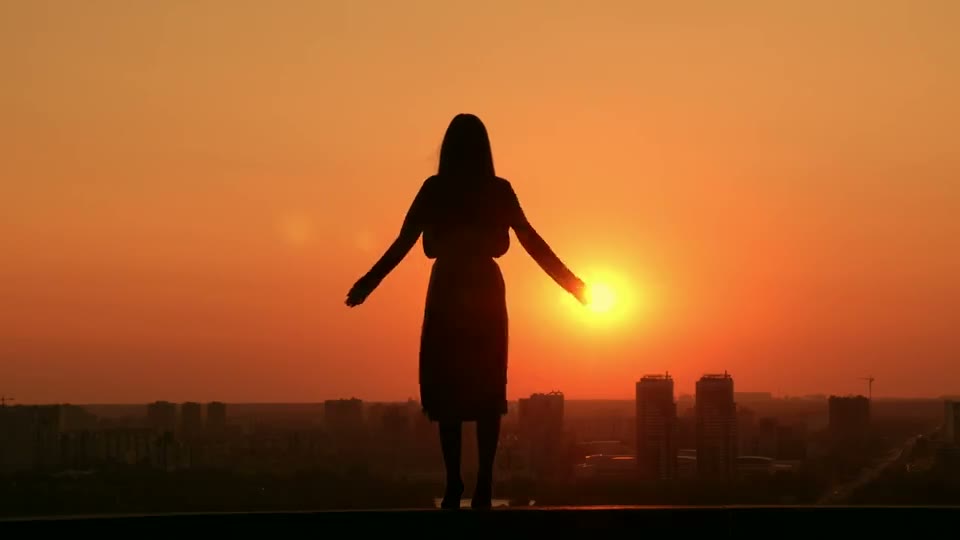
Every sunset has a story.
Preview
Timeline 2 segments · 0:08
Split at playhead


Caption style
Font
MontserratTranscriptEdit script
This preview works. Click the tabs, switch the framing, drag the sliders.
Trim on a thumbnail and waveform timeline, split at the playhead, then reorder, duplicate, or drop segments. Every cut stays reversible.
Fix a misheard word without touching its timing, or rewrite the script and keep the rest in sync.
Fonts, colors, size, position, and the active-word highlight. Save a style and apply it to every clip.
Drag to keep the subject in frame, zoom in, and switch between vertical, square, or the original format.
Set the volume or mute, and adjust brightness, contrast, saturation, blur, and hue while captions stay crisp.
Pick two or more clips and merge them into a new one. The originals stay as they are.
Autosave, undo and redo, and keyboard shortcuts. Generated clips are never overwritten.
TikTok, Reels, and Shorts presets. Render in your browser or in the background, one clip or all of them.
The short version of what people ask before they start clipping.
YouTube videos, Twitch and Kick VODs or clips, and files you upload yourself. Paste a link or drag in a recording, and ClipBee takes it from there.
Paste a link and see what ClipBee finds.